



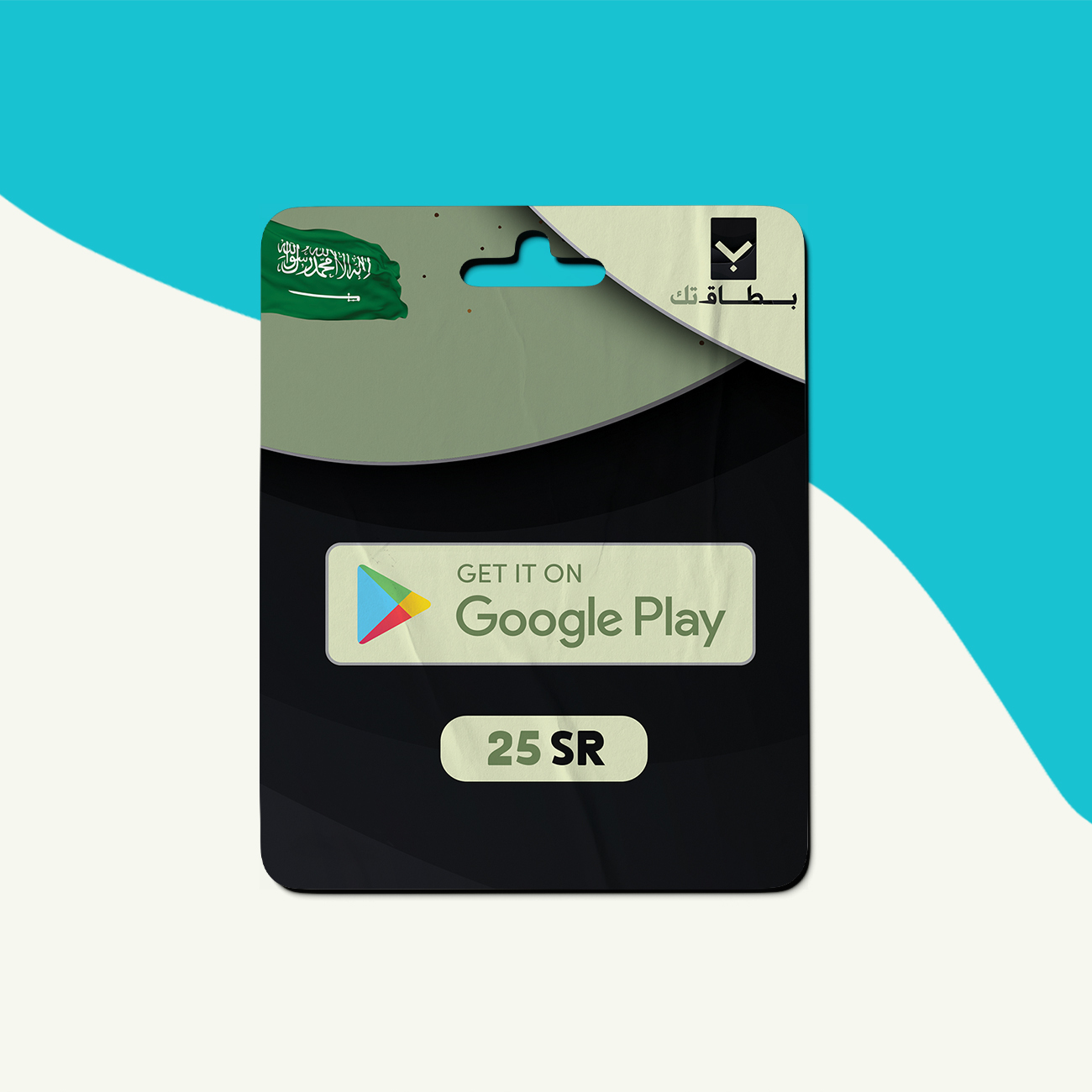

Description
How to Use
How to use:
- Using Android mobile devices:
Open the Google Play Store app.
Tap on the menu icon at the top left (your account).
Tap on “Redeem” from the menu.
Enter your card code.
Click on “Redeem” and the card will be credited.
- Using a web browser:
Go to play.google.com/redeem
Click on “Redeem.”
Enter your card code.
Click on “Redeem” and the card will be credited.
Customer Reviews
Rated 0 out of 5
0 reviews
Rated 5 out of 5
0
Rated 4 out of 5
0
Rated 3 out of 5
0
Rated 2 out of 5
0
Rated 1 out of 5
0
Only logged in customers who have purchased this product may leave a review.


Reviews
Clear filtersThere are no reviews yet.