


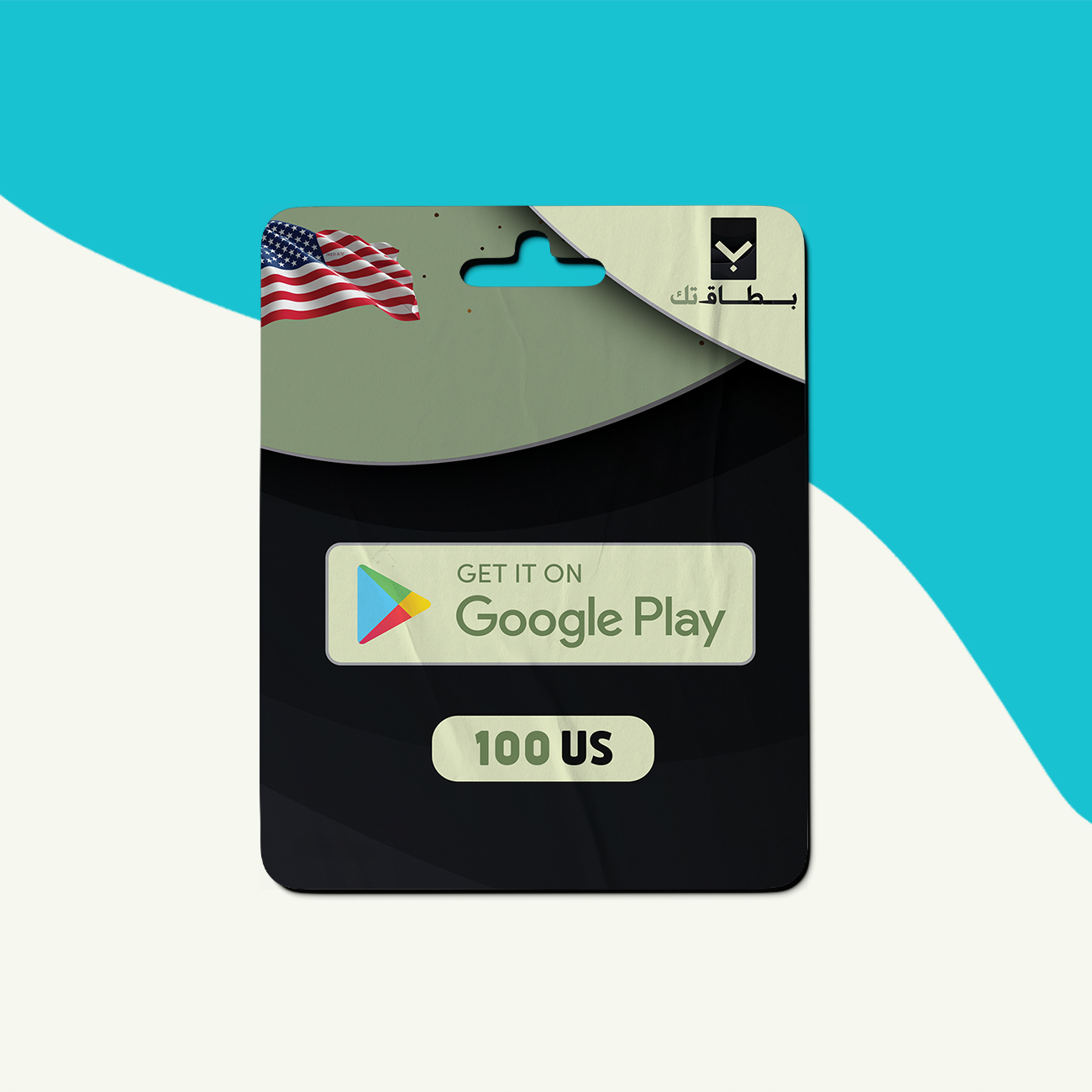
Description
How to use:
-
Using Android devices:
-
Open the Google Play Store app.
-
Tap the menu icon at the top left (Your account).
-
Tap “Redeem” in the menu.
-
Enter your card code.
-
Tap “Redeem,” and the card will be charged.
-
-
Using a web browser:
-
Go to play.google.com/redeem
-
Tap “Redeem.”
-
Enter your card code.
-
Tap “Redeem,” and the card will be charged.
-
Customer Reviews
Rated 0 out of 5
0 reviews
Rated 5 out of 5
0
Rated 4 out of 5
0
Rated 3 out of 5
0
Rated 2 out of 5
0
Rated 1 out of 5
0
Only logged in customers who have purchased this product may leave a review.


Reviews
Clear filtersThere are no reviews yet.